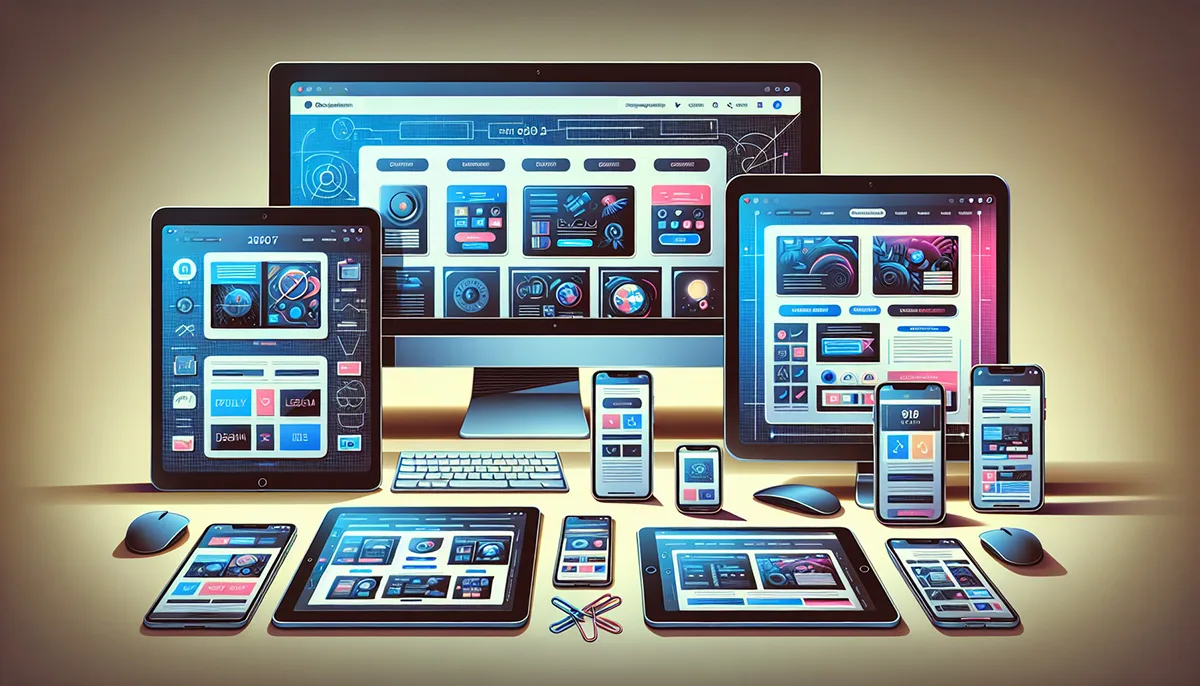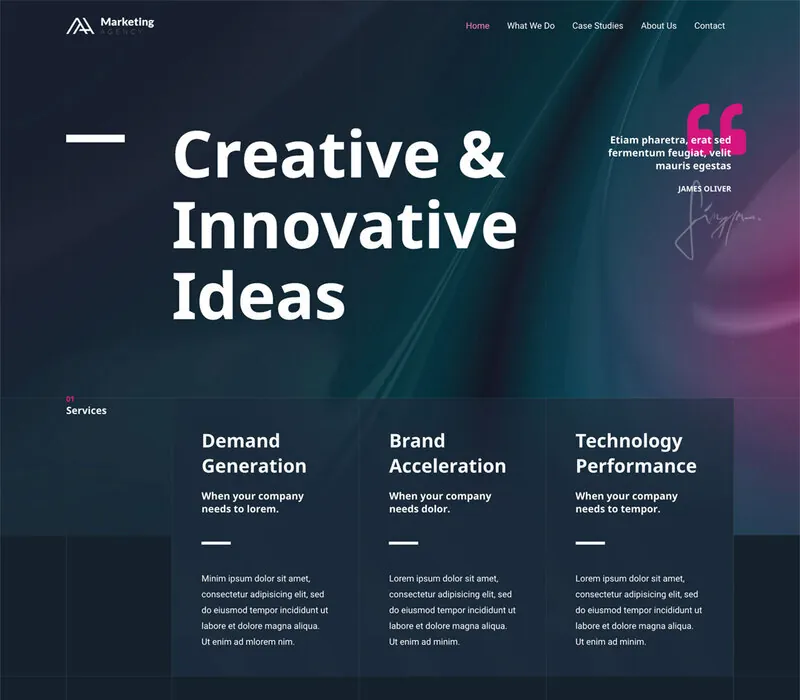
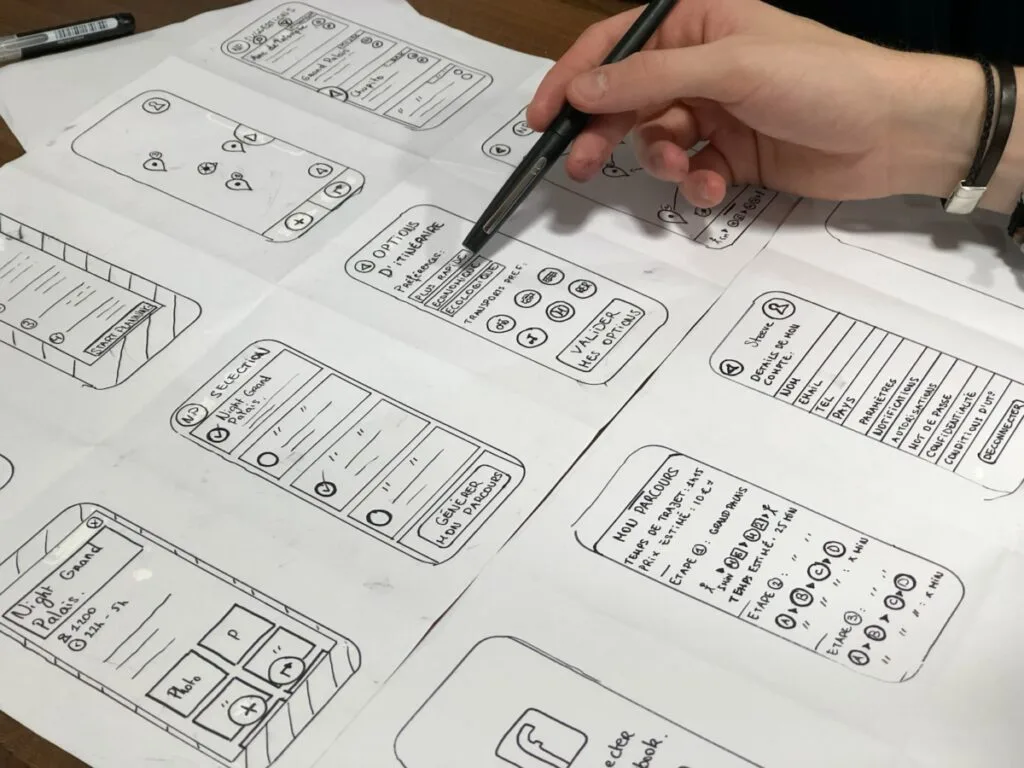
Untangling the Distinction: UI vs. UX
While frequently grouped together, User Interface (UI) and User Experience (UX) represent two complementary disciplines of product architecture. UI is the emotional and aesthetic sensory skin of your website; UX is the neurological structural skeleton.
UI (User Interface) focuses on visual craftsmanship: typographic scale, chromatic contrast, micro-interactions, button states, and photographic art direction. It ensures the brand feels prestigious, cohesive, and modern.
UX (User Experience) focuses on cognitive psychology: user journeys, information architecture, wireframing, friction reduction, and conversion funnel optimization. It ensures the visitor accomplishes their goals effortlessly.
The Tangible Business ROI of Superior UI/UX
A visually breathtaking website with confusing navigation frustrates users and leads to abandoned sessions; conversely, an intuitive flow wrapped in dated, unrefined aesthetics fails to inspire confidence in enterprise decision-makers. Superior UI/UX hits the exact intersection of beauty and utility.
- Lower Cognitive Friction: Clear visual cues guide visitors intuitively toward inquiries.
- Exponential Conversion Lifts: Every redundant form field or confusing step removed directly boosts close rates.
- Long-Term Brand Equity: Seamless digital experiences establish authoritative prestige that justifies premium pricing.
The Five-Step Architectural Design Process at Hemden
We do not begin in code. Following Swiss Editorial design philosophy, we execute a rigorous five-step design protocol to validate every interface decision with stakeholders before a single line of production CSS is written.

From interactive Figma prototypes and design tokens to WCAG AA accessible frontend components, we craft interfaces that build immediate trust and convert.
Explore Brand & UI/UX Design Services →- 1. Research & Analysis: Auditing competitive landscapes, user personas, and commercial conversion objectives.
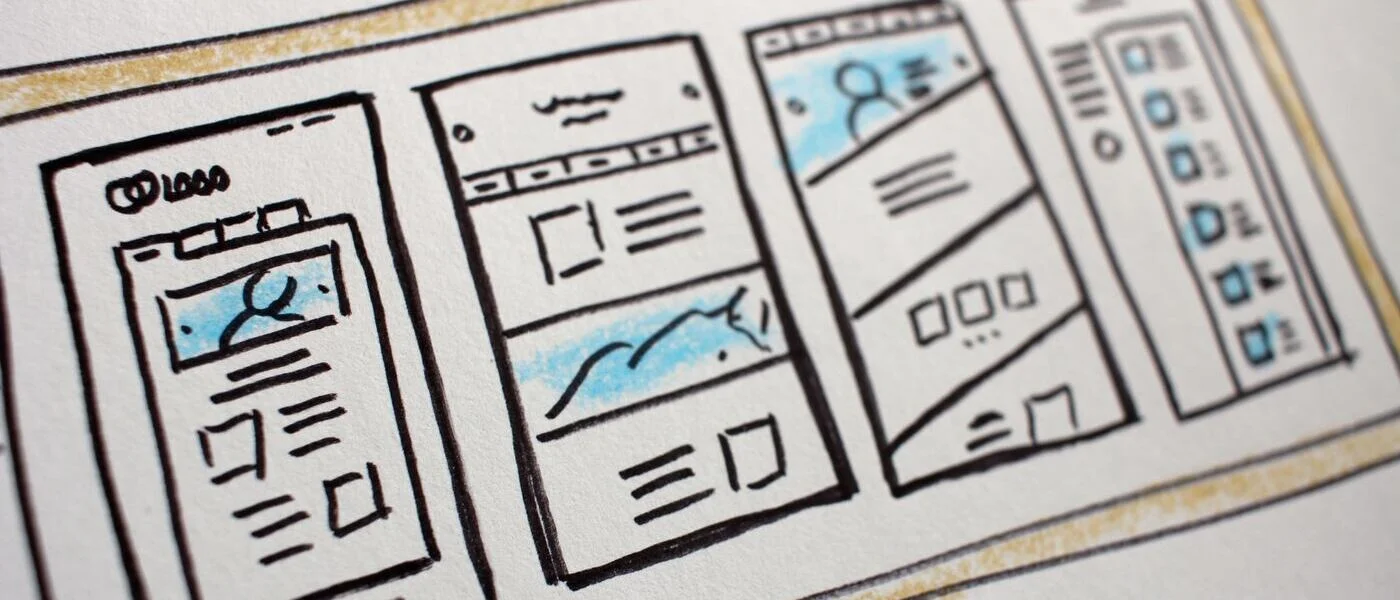
- 2. Information Architecture & Wireframing: Mapping low-fidelity schematics to structure content hierarchy.
- 3. High-Fidelity UI Systems: Establishing typography tokens, color harmonies, and responsive component libraries in Figma.
- 4. Interactive Prototyping: Testing real micro-animations, clickable user journeys, and tactile feedback.
- 5. Engineering Hand-off: Pixel-perfect translation into semantic, accessible HTML, CSS, and TypeScript.